
Mezzo bet has gained a following among players in Ethiopia thanks to a mobile app that puts sports betting and the casino on one screen. The app is currently available for Android only. On iPhone, the mobile version of the site does the same job.
This page covers the download, the install steps, what the app offers, how it compares with the mobile site, and what to do when something goes wrong. Mezzo bet Ethiopia is an independent information page about the brand, not the operator's official site.
Free · Android · 46.5 MB
Mezzo bet app: key facts
| Parameter | Details |
|---|---|
| App name | Mezzo bet |
| Version | 1.1.2 |
| File size | 46.5 MB |
| File type | APK (Android) |
| Last update | 30/09/2026 |
| Price | Free |
| iOS | No app; mobile site or PWA |
How to install the Mezzo bet APK on Android
The APK does not come from Google Play, so the phone has to allow installs from other sources first. That is a normal Android setting, and it can be switched off again right after the install.
- Open the site from your Android browser and tap the download button on this page.
- Wait for the APK file to finish downloading. It weighs about 46.5 MB, so use Wi-Fi if mobile data is limited.
- Open Settings and find the option to allow installs from unknown sources. On newer Android versions it is granted per app, for example for your browser or file manager.
- Open the downloaded file from the notification bar or the Downloads folder.
- Tap Install and follow the on-screen instructions.
- Launch the app, then log in or create an account if you do not have one yet.
Download from one source only
Get the APK through the download button on the site. Files shared in chats or on third-party pages can be modified.
How to use Mezzo bet on iOS
There is no dedicated iPhone app. Two options remain: open the mobile version of the site in Safari, or turn it into a shortcut with a PWA-style icon on the home screen.
- Open the Mezzo bet website in Safari.
- Tap the Share button at the bottom of the screen.
- Choose Add to Home Screen.
- Confirm the name and tap Add.
The icon opens the site in its own window, without the address bar. Nothing is installed from the App Store, so nothing needs updating by hand.
Features inside the app
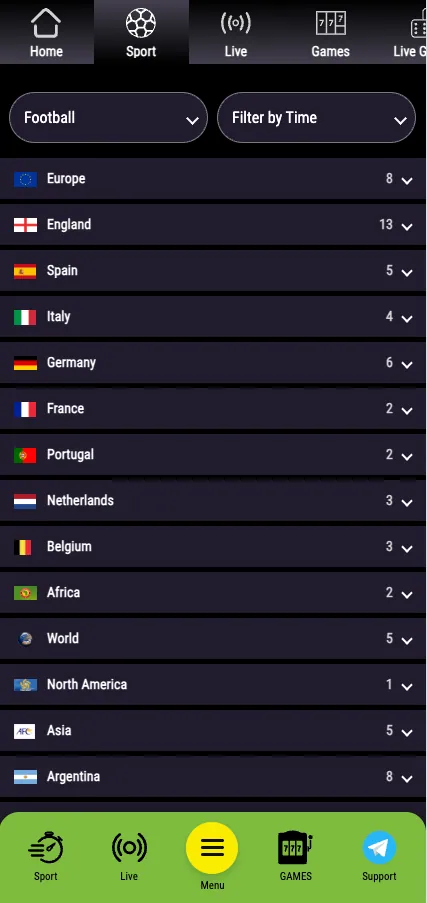
- Live betting. In-play markets are covered on the Sport page, and a coupon can be checked from the phone.
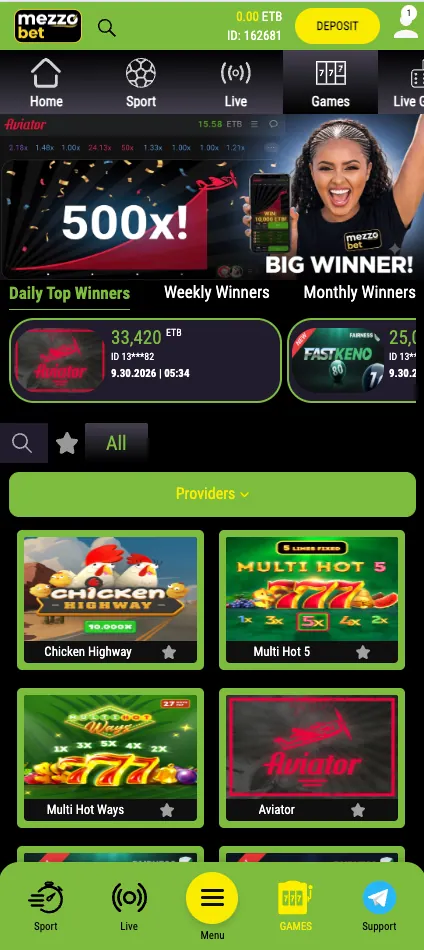
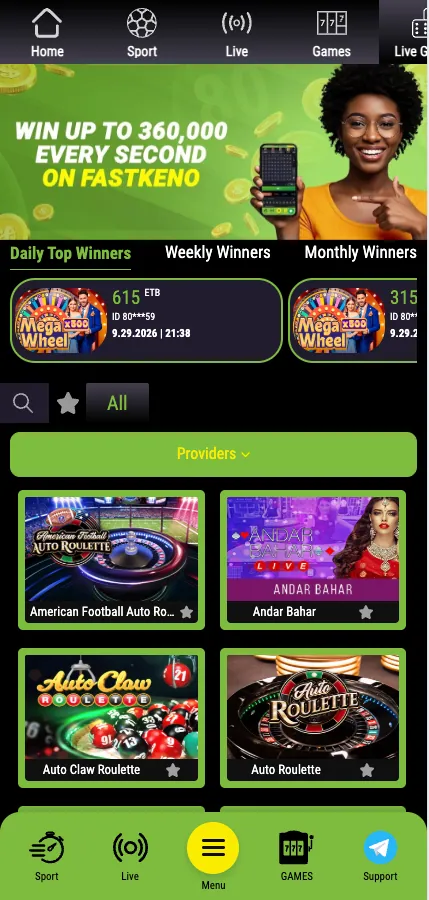
- Casino. Slots, crash games, Keno and live dealer tables such as roulette and Andar Bahar.
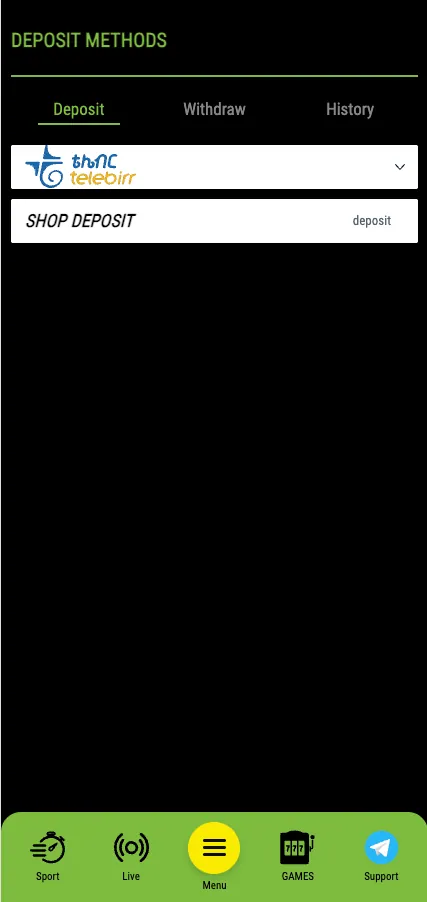
- Deposits and withdrawals. The cashier works in ETB; see the Payments page for methods such as Telebirr.
- Notifications. Alerts about bet results and promotions, when they are switched on in the phone settings.
- Biometric login. Fingerprint or face unlock, where the device supports it and the account is verified.
Cashier on the phone
Deposits are made from the same screen as bets. Pick a method, enter the amount in Br, confirm in the payment app or by code, and the balance updates. Withdrawals go through the same cashier, usually to the method used for the deposit.
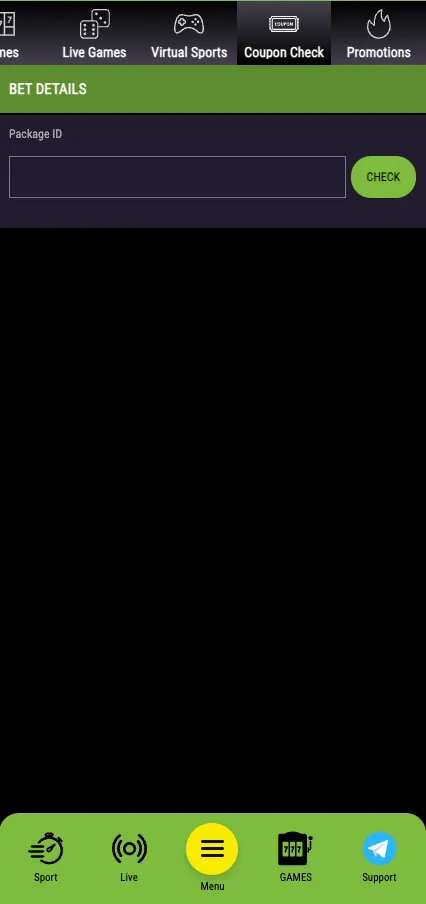
App vs. mobile site
| Feature | Android app | Mobile site / PWA |
|---|---|---|
| Installation | APK file, 46.5 MB | None; browser or home-screen icon |
| Platforms | Android | Android and iOS |
| Speed | Fast start from the icon | Depends on browser and connection |
| Notifications | Available | Limited |
| Data usage | Low; interface is stored on the phone | Slightly higher; pages load each visit |
| Updates | New APK when a version is released | Automatic |
| Storage | Takes space on the device | Almost none |
Pros
- Free download
- Quick launch from the home screen
- Low data use
- Full sport and casino in one place
Cons
- Android only
- Installed outside Google Play
- Updates are manual
- Uses phone storage
Updates and common problems
The APK won't install
Check that installs from unknown sources are allowed for the browser or file manager used. Make sure the download finished; a half-loaded file shows a parse error. Free some storage and download again if needed.
The app won't update
Because the app is not in Google Play, updates are not pushed automatically. Download the latest APK from the site and install it over the old one; the account and balance stay with the profile, not the file.
Login issues
Check the phone number or email and the password for typos, and make sure the connection is stable. If the password is lost, use the recovery option on the login screen. Clearing the app cache also helps when the screen freezes.
Play responsibly
Betting is for adults aged 18+. Set limits, never stake money you cannot afford to lose, and take a break if gambling stops being fun.
Conclusion
Overall, the Mezzo bet mobile app provides a user-friendly platform for sports betting and casino games. It runs on most Android devices, loads quickly, keeps a simple layout and uses little data. iPhone users get the same sections through the mobile site or a home-screen shortcut. Return to the home page for a full brand overview.
Frequently asked questions
Where can I download the Mezzo bet app?
The APK is available through the download button on this page. Files from chats or third-party pages can be modified, so use one source only.
Is the Mezzo bet app free?
Yes. The APK is a free download; only the bets and deposits you choose to make cost money.
Is there a Mezzo bet app for iPhone?
No dedicated iOS app exists. iPhone users can open the mobile site in Safari or add it to the home screen as a shortcut.
What version and size is the Mezzo bet APK?
Version 1.1.2, about 46.5 MB, last updated on 30/09/2026.
Why does Android block the Mezzo bet APK install?
The file comes from outside Google Play, so Android asks for permission to install from unknown sources. Allow it for your browser or file manager, then open the file again.
How do I update the Mezzo bet app?
Download the newest APK from the site and install it over the current version. Your account stays as it is.
Can I log in to the app with my existing account?
Yes. The same login works on the site and in the app, and new users can register directly in the app.
Is the Mezzo bet app safe to use?
Download it only from the site, keep the phone system updated and never share login details. Betting is for players aged 18+.